Product details reviewed against AutoBuyCS v1.0.20 on September 16, 2026. Marketplace features, fees, liquidity, and API behavior can change.
The short answer
There is no single best CS2 trading bot for every buyer. Instant-swap trade bots are designed to exchange skins against a platform inventory, while marketplace AutoBuy apps monitor listings and attempt purchases that match your rules. AutoBuyCS is the better fit for Windows buyers who want multi-marketplace price monitoring, max-price and budget controls, float-aware buying on supported markets, and scheduled DCA—not instant skin swaps.
Key takeaways
- Choose an instant-swap bot for speed and convenience when exchanging skins for items in a platform inventory.
- Choose a marketplace AutoBuy app when you want repeatable price, quantity, budget, and monitoring rules.
- Judge every tool by permissions, total cost, execution states, security controls, and support—not by speed alone.
“Best CS2 trading bot” can describe two different products. Some bots exchange one skin for another through a platform inventory. Other tools monitor external marketplaces and buy a listing when it matches rules. Choosing the right category matters more than choosing the tool with the fastest headline.
First, define what kind of bot you need
| Tool type | What it does | Best fit |
|---|---|---|
| Instant-swap trade bot | Offers items from a platform inventory in exchange for skins you provide. | Fast upgrades, swaps, or inventory cleanup. |
| Marketplace AutoBuy app | Monitors listings and attempts a purchase when the item matches saved rules. | Repeatable buying with price, quantity, and budget constraints. |
| Price alert or sniping tool | Surfaces a listing or price movement for review; buying may remain manual. | Research and human-confirmed opportunities. |
A product can be excellent in one category and irrelevant in another. Do not compare an instant-swap inventory against a marketplace monitor as if they were the same service.
What to compare before choosing a CS2 trading bot
Use the same checklist for every tool. The goal is to understand the complete path from data or inventory selection to the confirmed result.
| Evaluation area | Questions to ask |
|---|---|
| Action | Does the tool swap skins, buy marketplace listings, alert me, or support more than one mode? |
| Cost | What are the subscription, buyer, seller, swap, payment, and spread costs? |
| Access | Does it need a Steam login, marketplace credentials, API permissions, or only public price data? |
| Controls | Can I set a strict max unit price, quantity cap, and total spend limit? |
| Reliability | How does it handle stale listings, rate limits, timeouts, partial fills, and duplicate requests? |
| Evidence | Can I see why an order was bought, skipped, pending, or failed? |
When an instant-swap trade bot is the right choice
An instant-swap bot can be convenient when your priority is receiving another item quickly and you accept the platform’s inventory selection, valuation, and trade terms. Compare the final offer, any overpay or spread, item availability, withdrawal requirements, and account-security process before confirming.
Speed is not the same as value. A fast swap can still be expensive if the platform’s valuation or spread is unfavorable for the item you are giving up.
When a marketplace AutoBuy app is the right choice
A marketplace AutoBuy app is a better fit when you already know the item, maximum price, quantity, and budget you want to use. It can reduce repetitive monitoring and make the decision more consistent, but it cannot guarantee a listing, fill, or future resale result.
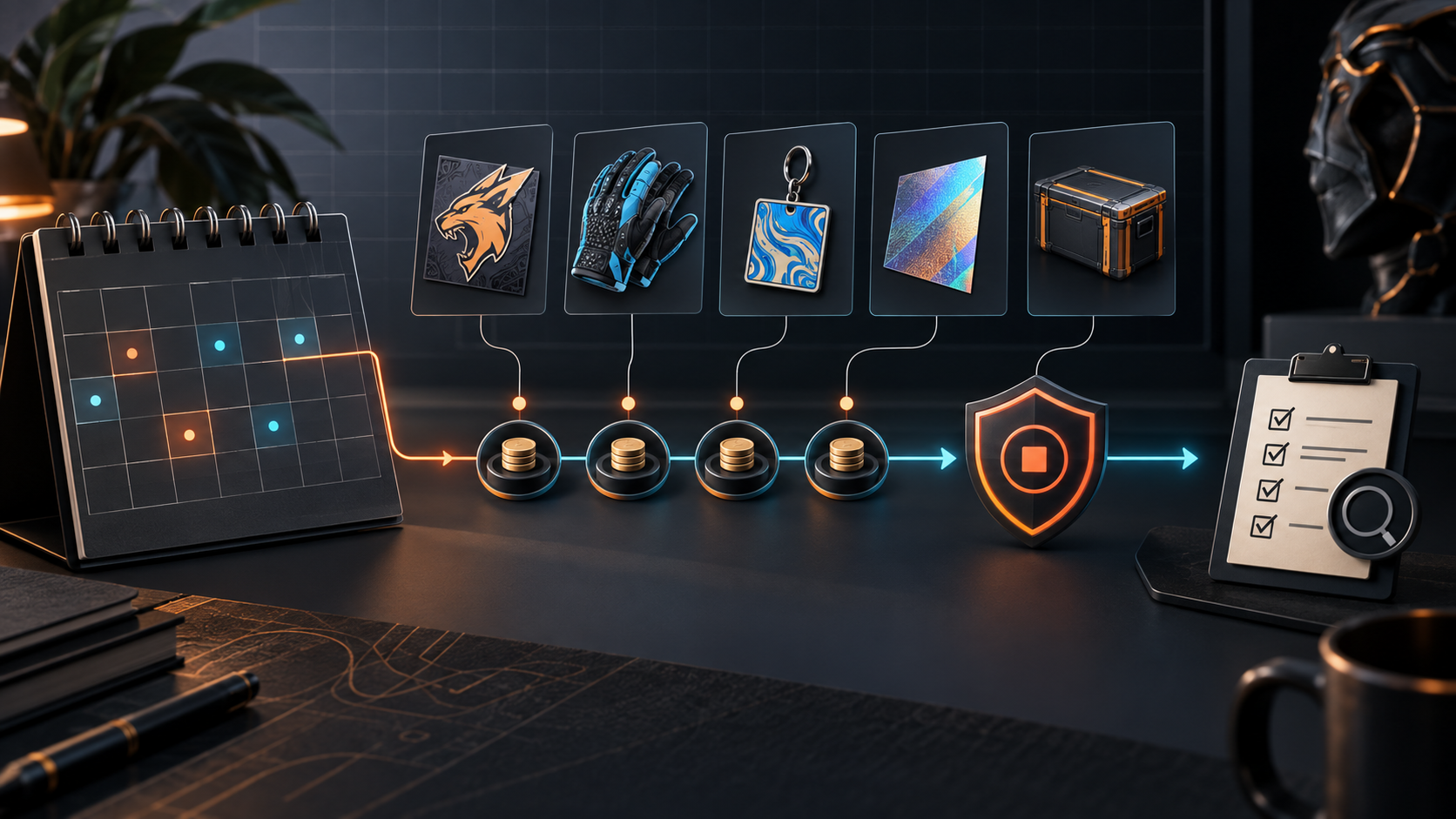
AutoBuyCS is built for this second workflow. It is a Windows desktop app with price monitoring across 9+ connected marketplaces, Instant Buy, target-based AutoBuy, scheduled DCA plans, purchase tracking, import/export, and branded Windows notifications. Float requirements are enforced during buying on CSFloat, HaloSkins, and CSGOMarket; marketplace support is not identical everywhere.
Why price-only access and buying access are different
A public feed may show an observed price without granting permission to place an order. Buying can require a separate account connection, credentials, balance, provider support, and a listing that still exists when the request arrives.
For that reason, a trustworthy comparison should label each integration precisely: monitoring, Instant Buy, AutoBuy, float enforcement, or read-only research. AutoBuyCS’s Sticker Scanner and Attachment Scanner are read-only and do not buy, sell, list, or detach items.
Safety checklist for any CS2 bot
- Confirm the exact action before connecting an account or API.
- Use least-privilege credentials and never share secrets in screenshots or logs.
- Set a strict maximum price, quantity cap, and total budget before testing.
- Start with one or two items and verify every result against the configured rule.
- Check how the tool handles an uncertain order state before allowing retries.
- Keep a pause, revoke, and recovery procedure available.
Our recommendation for AutoBuyCS buyers
If you mean “best CS2 trading bot” as the fastest way to swap one skin for another, AutoBuyCS is not that product. If you mean “best CS2 buying automation app” for monitoring multiple marketplaces and applying controlled purchase rules from Windows, AutoBuyCS is designed for that use case.
Start with Instant Buy vs AutoBuy, then review the AutoBuy tool checklist and the risk-management guide before increasing your budget.
Bottom line
The best CS2 trading bot is the one whose action, cost, permissions, and safeguards match your goal. Instant-swap bots optimize convenience; marketplace AutoBuy apps optimize repeatable buying; alert tools optimize discovery. Choose the category first, test with a small exposure, and treat cosmetic-market outcomes as uncertain.
Frequently Asked Questions
What is the best CS2 trading bot in 2026?
The best option depends on the job. Instant-swap bots suit quick skin-for-skin exchanges, while marketplace AutoBuy apps suit buyers who want price monitoring and rule-based purchases. Compare the workflow, fees, inventory or marketplace access, and safety controls before choosing.
Are CS2 trade bots and AutoBuy apps the same thing?
No. A trade bot generally swaps items against a platform’s inventory. An AutoBuy app monitors marketplace listings and attempts a purchase when a saved rule matches. Some products may offer both, but the user experience and risks are different.
Is AutoBuyCS an instant CS2 skin-swap bot?
No. AutoBuyCS is a Windows marketplace-buying workflow for price monitoring, Instant Buy, target-based AutoBuy, scheduled DCA, and purchase tracking. It should not be described as a direct inventory-swap service.
What should I check before trusting a CS2 trading bot?
Check the exact action it performs, marketplace or inventory access, fees, credentials, max-price and budget limits, duplicate protection, retry behavior, logs, support, and a clear pause or revoke procedure.